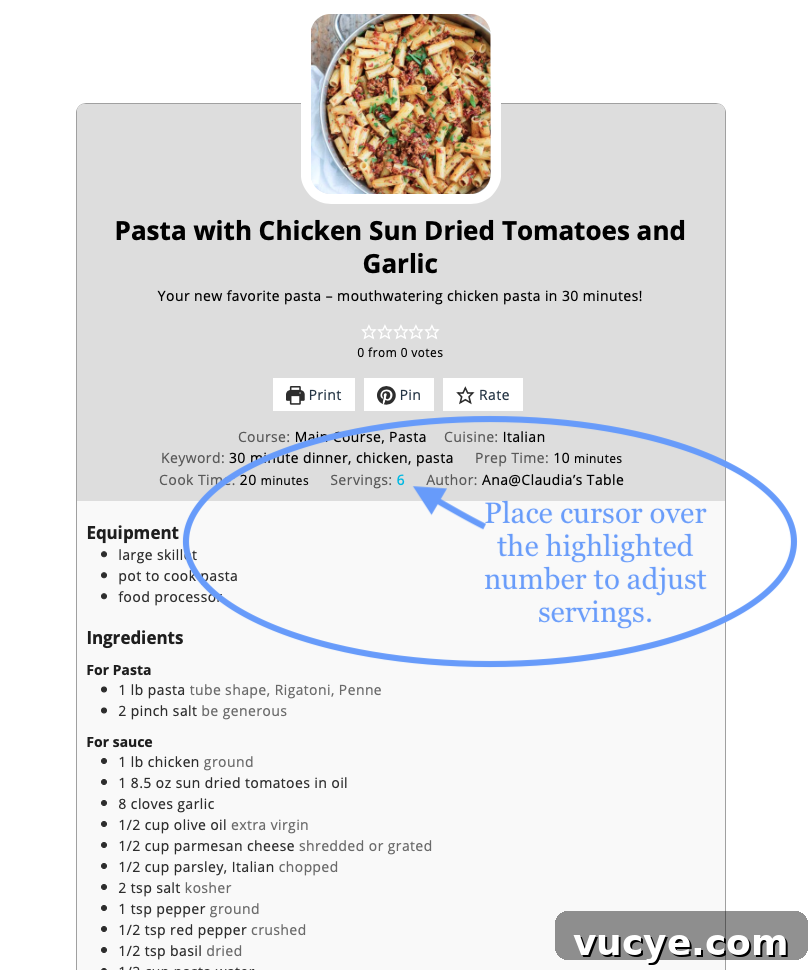
Adjusting servings and updating your shopping list is quick and intuitive on our recipe pages. Follow the steps below to use the servings slider and see ingredient quantities change automatically.
-

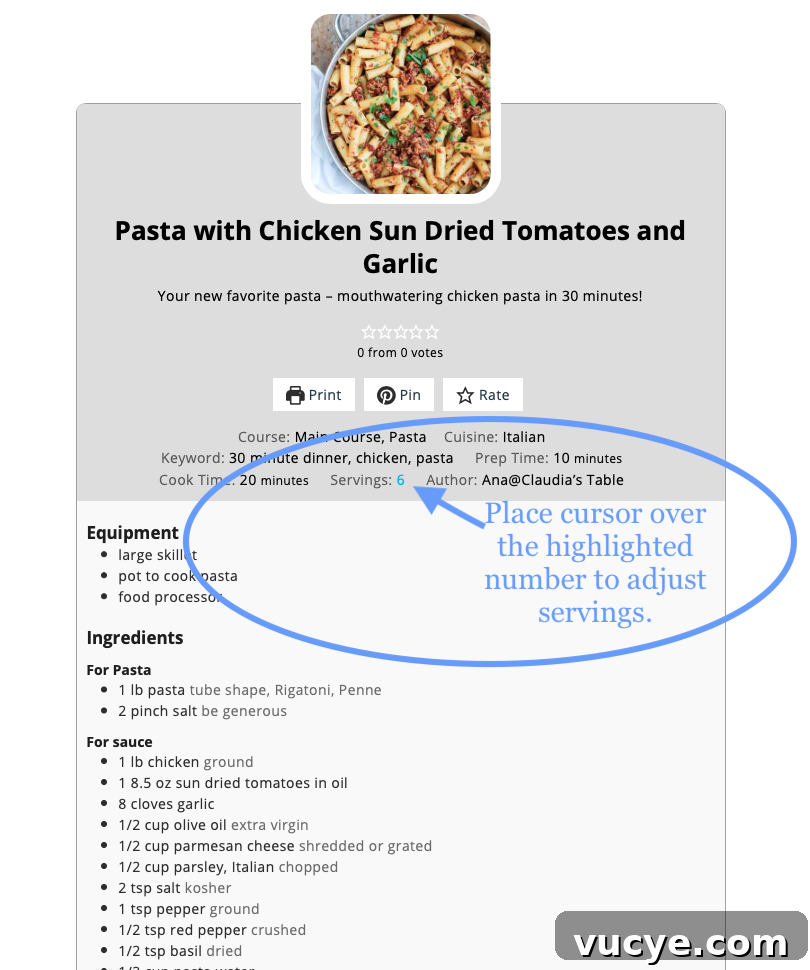
Hover over the highlighted number to reveal the servings slider and adjust the portion size. -
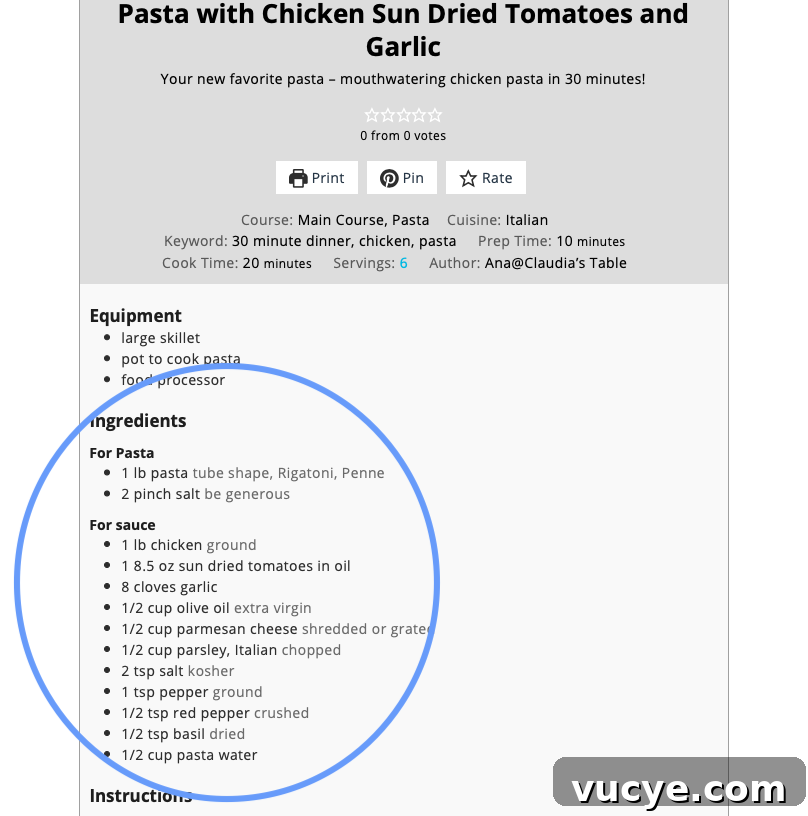
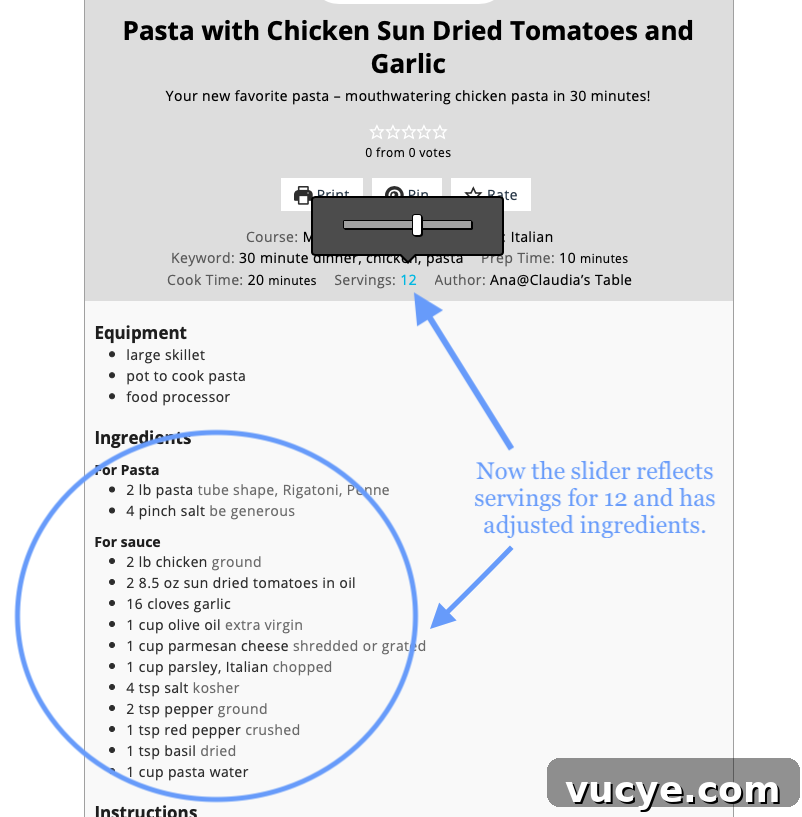
Changing the servings on the recipe card updates the ingredient amounts in your shopping list automatically. -
Example: both the servings and ingredient quantities update here to reflect 12 servings.
We hope this makes planning meals and shopping easier—let us know if you find the feature helpful or have suggestions for improvement.